
Workspace → Category → Group
Work, study and personal life each get a workspace. Drag groups between categories whenever your thinking changes.
New tab, reimagined
TabManager turns your new tab into a visual board. Save the tabs you keep, drop them into groups, and reopen them the moment you need them.
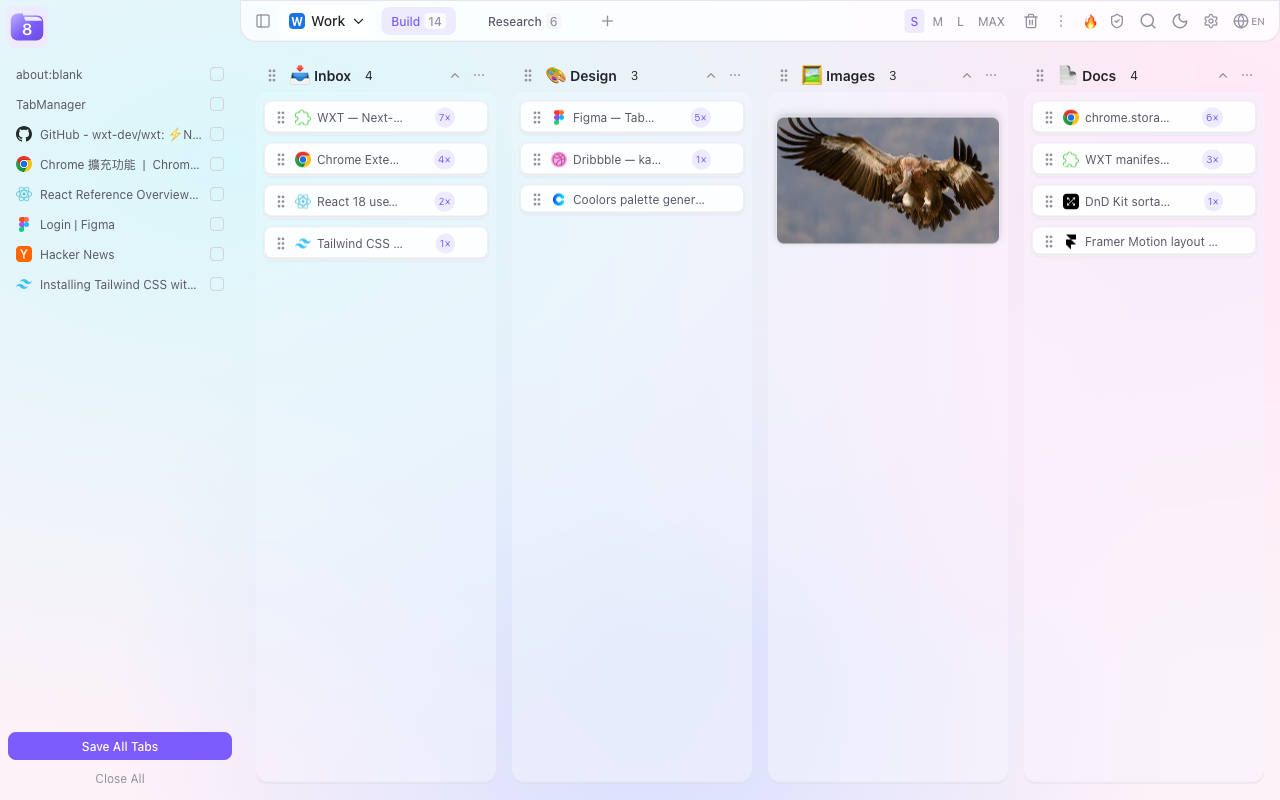
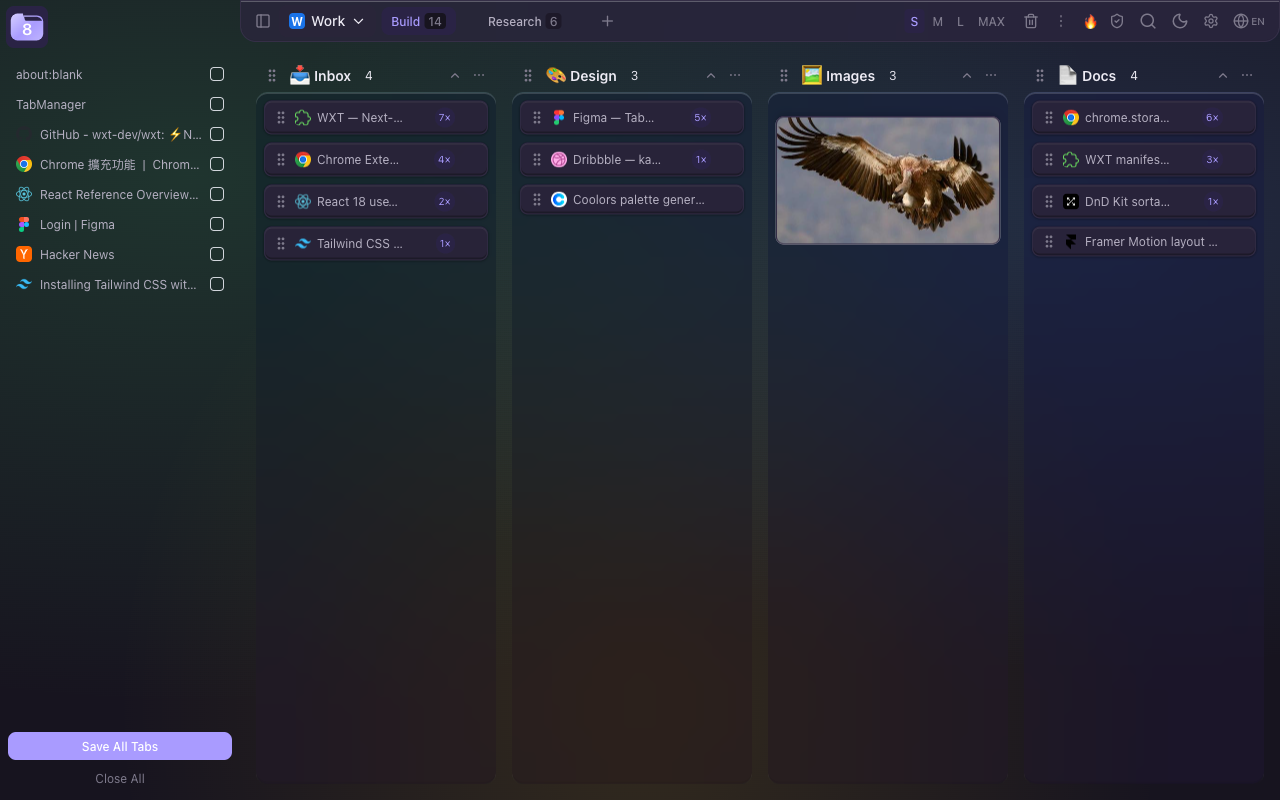
Bookmark folders hide your links. A tab strip buries them. TabManager puts every saved page on a board you can actually see — grouped the way you think.
Work, study and personal life each get a workspace. Drag groups between categories whenever your thinking changes.
Drag tabs from the sidebar, or right-click any page. Multi-select with click and Shift, then move or delete in bulk.
Drop a tab onto another to make a stack. Stacks stay collapsed, so a week of research doesn’t become a wall of links.
Pin the groups you use every day, sort tabs by 7-day or 30-day click heat, and pick a background that doesn’t fight your work. Dark mode is included, not an afterthought.

Right-click any image to save it into a group. Images stack as thumbnails, preview in a lightbox, and download one by one or as a ZIP.
Want one-click hover buttons? Turn on site access in Settings — optional, off by default, revocable at any time.
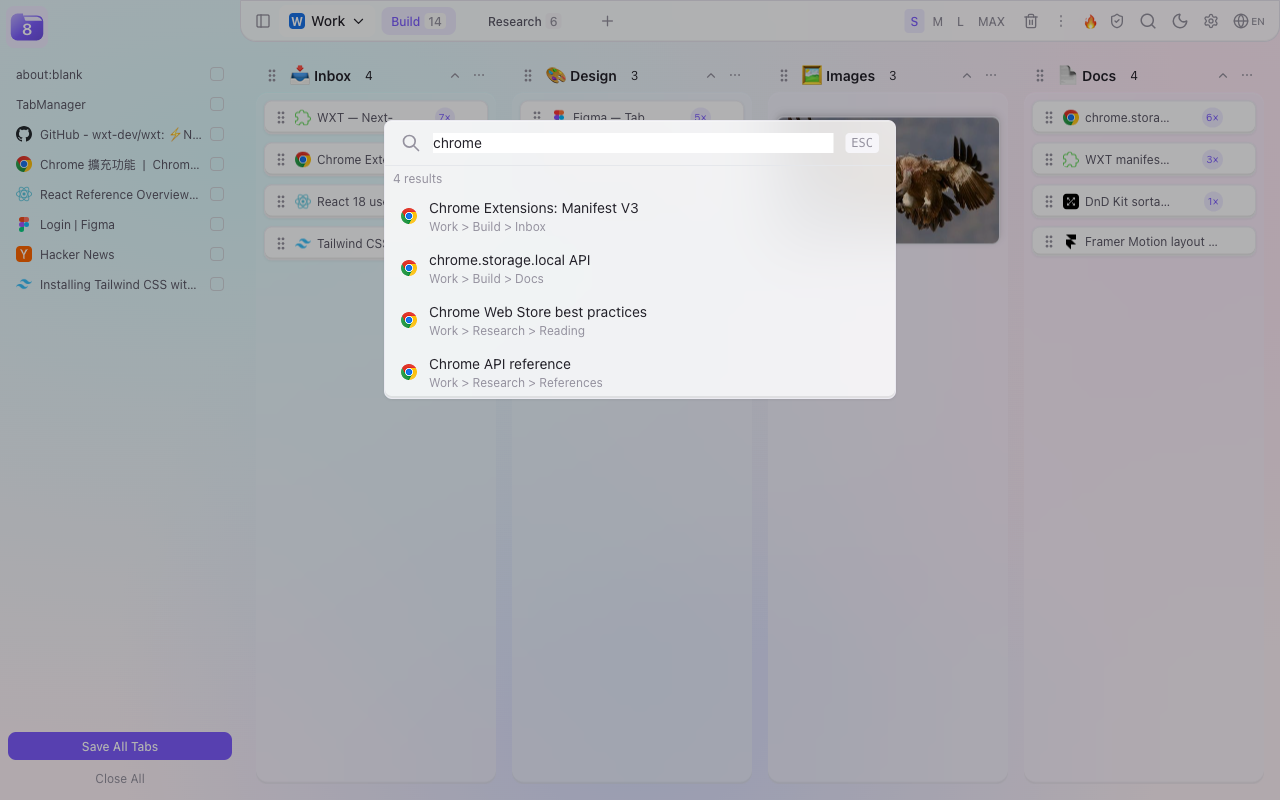
Search every saved tab across every workspace, category and group. Results show where the link lives, so you always know what you’re opening.
Run a link check across everything you saved. Sort results by type, then act in bulk — open, delete, or merge same-domain links into stacks.
No account. No sync server. No analytics. Everything is stored locally with
chrome.storage.local and stays there until you export or delete it.
Install and start using it. No sign-up, no email, no login wall.
Nothing is uploaded. There is no backend to leak or shut down.
No tracking pixels, no telemetry, no “anonymized” usage events.
Take everything out as JSON, or import Chrome bookmarks in one click.
Your board is already there. A default workspace with sample categories is waiting.
Drag from the sidebar, or right-click any page and choose Save to TabManager.
Click any saved link, or press ⌘K and search across everything.
Yes. It becomes your new tab by default, and you can turn that off in Settings if you only want the side panel and toolbar popover.
Locally in your browser, using chrome.storage.local. Nothing is sent to a server. You can export everything to JSON and import it on another machine.
The sidebar lists your open tabs so you can drag them onto the board. That requires the tabs permission. The store shows a standard “read your browsing history” warning for it.
No — they need site access, so they’re opt-in. Right-click saving works without any extra permission. Enable hover buttons in Settings if you want them, and revoke access anytime.
TabManager requests site access when you start a check, then reads the HTTP status of each saved URL. Nothing is uploaded, and the permission can be revoked at any time.
Yes. No subscription, no feature paywall, no account.
Chrome and Chromium-based browsers such as Edge, Brave and Arc. A Firefox build is in progress.